A practical guide for UK barbershop owners
Barbershop Website Design That Looks Like Your Shop
See how branding, photography and mobile design work together to make a barbershop website easier to use — with examples from our fictional CUTSTATE demo.
The design review
What Makes a Great Barbershop Website Design?
A well-designed barbershop website should look like the shop it represents, make key information easy to find and give visitors a clear next step. Strong photography, legible typography and an obvious booking action matter more than decorative effects.
The examples below recreate CUTSTATE, KERSIVO’s fictional demo shop. They are static illustrations, not working controls. Use the live demo link to try the booking journey.
-
A recognisable first impression
What to look for Without scrolling, a visitor should see the shop’s name, where it is and what kind of barbering it offers. The name, a location line and one clear statement should outrank any decoration.
Why it matters to clients Visitors arriving from Google Maps or an Instagram bio first want to confirm they have found the right shop. A recognisable name, location and photograph help them do that straight away.
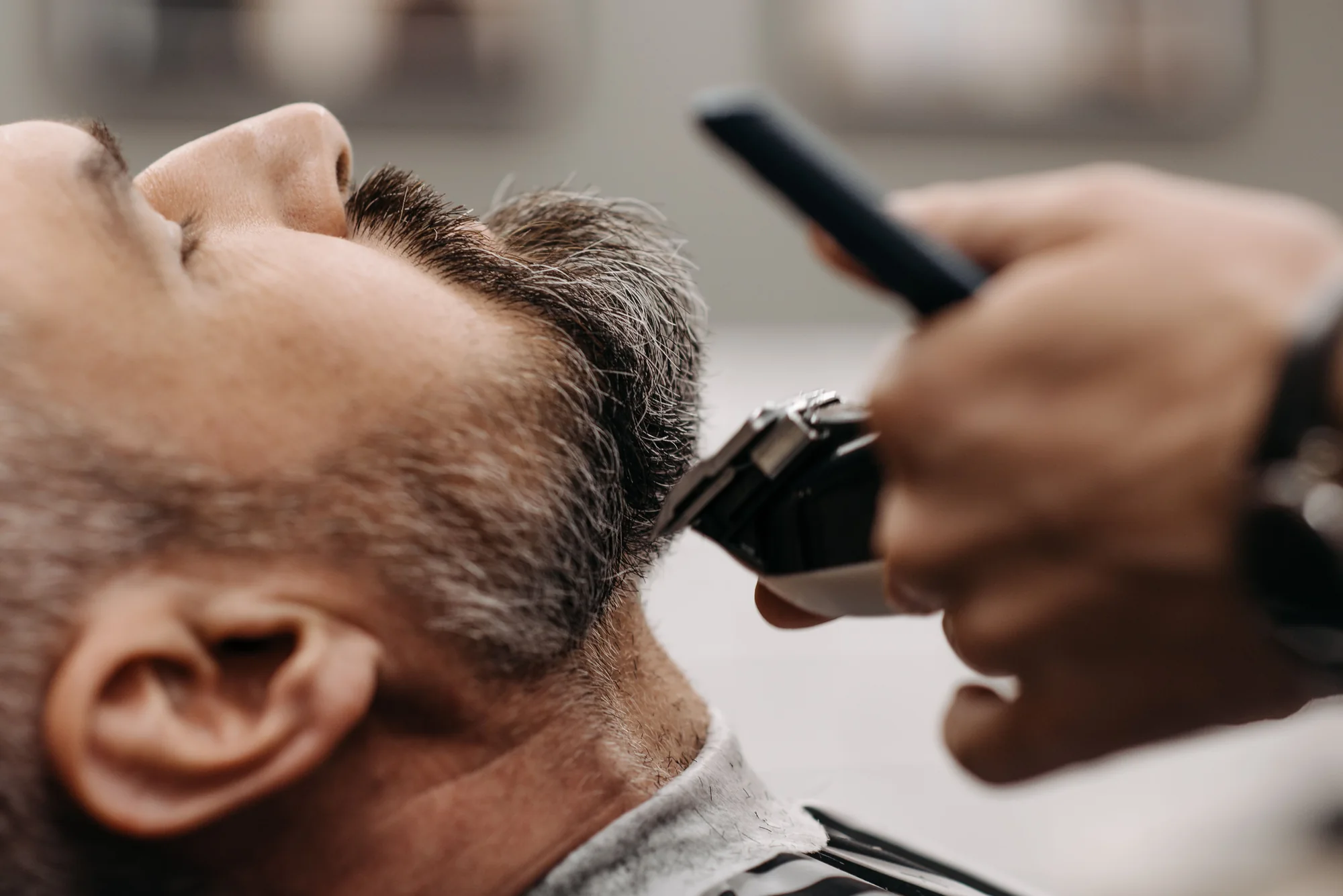
In the CUTSTATE demo CUTSTATE puts its name, Manchester location and appointment information beside a photograph of barbering in progress. Visitors can recognise the shop before exploring further.
-
A visible booking action
What to look for A booking action that stays easy to find while visitors explore the shop’s work: prominent in the header where space allows, and available through clear mobile navigation on smaller screens.
Why it matters to clients Clients may decide to book while browsing the shop’s work. Give them one obvious place to find the booking link on every page.
In the CUTSTATE demo The demo uses a distinct booking button in the header. On smaller screens its label changes to “BOOK”; below 360px, “Book an appointment” remains in the menu.
-
Services and pricing where expected
CUTSTATE has a separate services page. Standard Full KERSIVO shows services in the booking flow; a separate services page is not guaranteed.
What to look for Services grouped the way clients think — cuts, beard work, combined appointments — with the duration and price on every line and a direct route to book each one.
Why it matters to clients Price and time are usually the first practical questions. Showing both on every service answers them before a visitor has to message the shop.
In the CUTSTATE demo The demo groups services by type and shows the price and duration beside each one. Choosing a service opens booking with that service selected.
-
The people behind the chairs
What to look for A team page with a clear photograph, name and specialisation for each barber, written plainly, and a way to book with that person.
Why it matters to clients Many clients choose a barber, not just a shop. Seeing who specialises in skin fades or scissor work helps new clients choose and regulars find their usual chair.
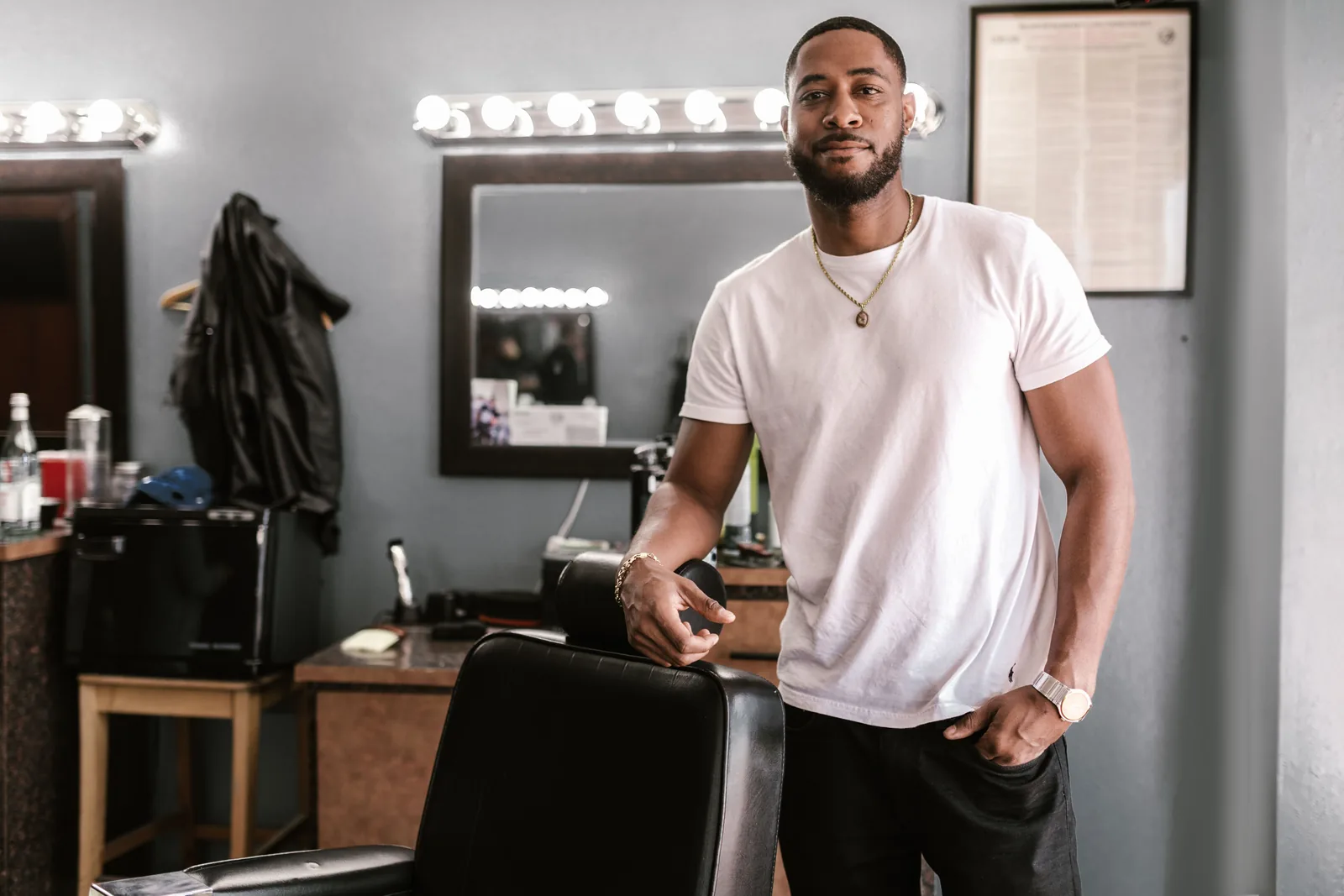
In the CUTSTATE demo Each fictional CUTSTATE barber has a portrait, a short introduction and a link to book with them. This helps clients choose a person as well as a service.
-
Simple, purposeful navigation
What to look for A short menu where every item is somewhere a client genuinely needs to go: services, the team, examples of work, contact details and booking. Plain labels beat clever ones.
Why it matters to clients Visitors scan menus rather than read them, so a few obvious labels serve them better than a long list or headings they have to guess at.
In the CUTSTATE demo The demo keeps services, the team, work examples and contact details within a plainly labelled menu. On mobile, the menu also includes a clear booking link.
-
Consistency from website to booking
What to look for When a visitor moves into booking, the name, colours and type should stay the same, and any choice already made should carry through.
Why it matters to clients A sudden change of look at the booking step can make people wonder whether they have left the shop’s site. Carrying a choice forward saves them making it twice.
In the CUTSTATE demo Choosing “Book with Ellis” carries the selected barber into booking. The visitor chooses a service first, then reaches the barber step with Ellis selected. The shop’s identity stays consistent throughout.


Brand and identity
Your Brand Should Lead the Design
Your logo, colours, photography and tone tell clients what kind of shop they are choosing. A good website brings those details together instead of making every barbershop feel interchangeable.
-
Name & identity
Use the shop name clients recognise from your sign and profiles. Supply a clear logo file if you have one; within the standard setup, a typographic shop name can be used instead.
-
Colour & typography
Choose colours that suit your shop, with enough contrast for text and buttons. Keep body text easy to read and use distinctive type sparingly for headings.
-
Photography & personality
Gather photographs of your shop and work, plus a short description of the services you offer. Use the same straightforward language you would use with a new client.
-
A consistent business identity
Check the spelling of your shop name, address, opening hours, services and prices before sending them. Use those same details across your website and business profiles.
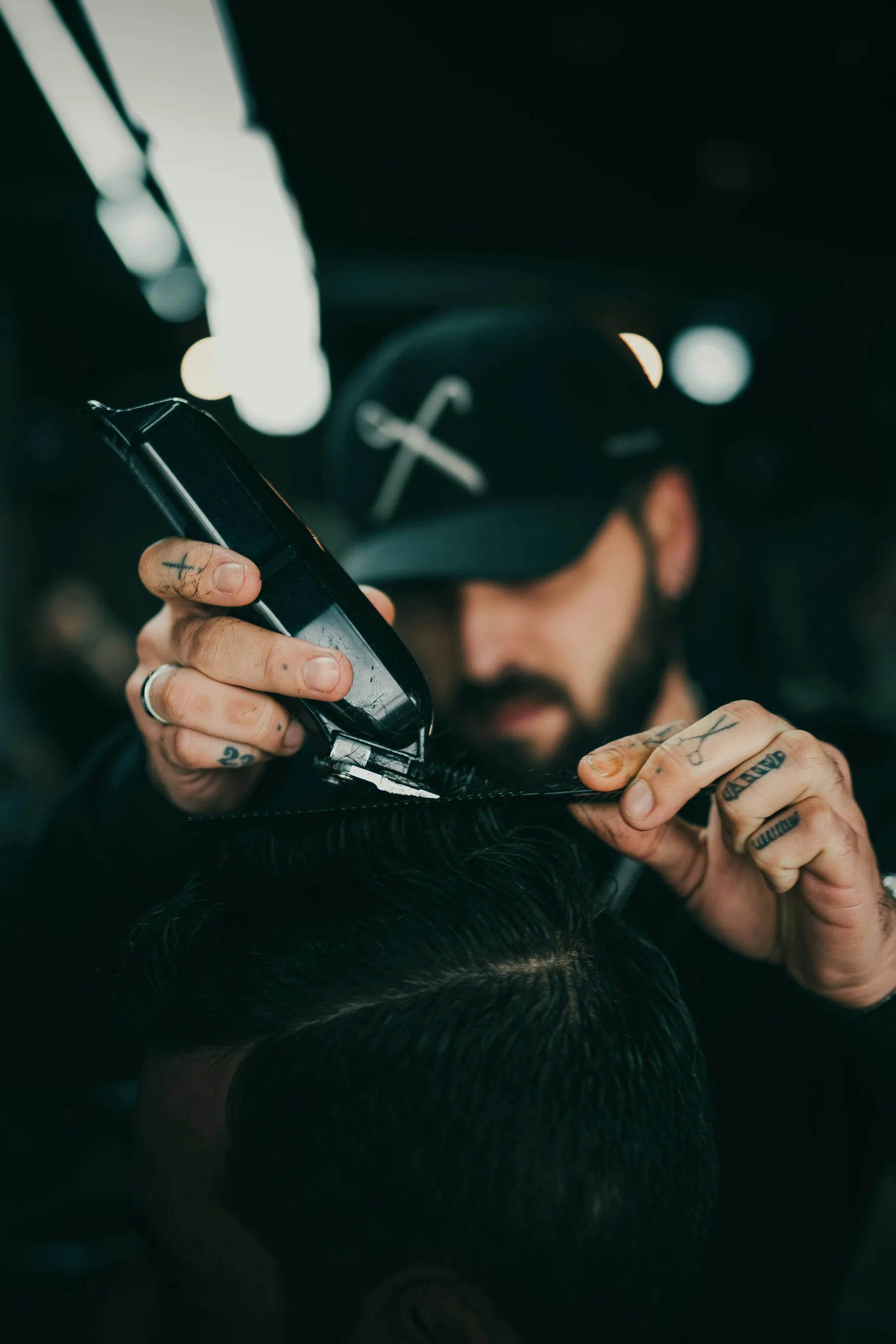
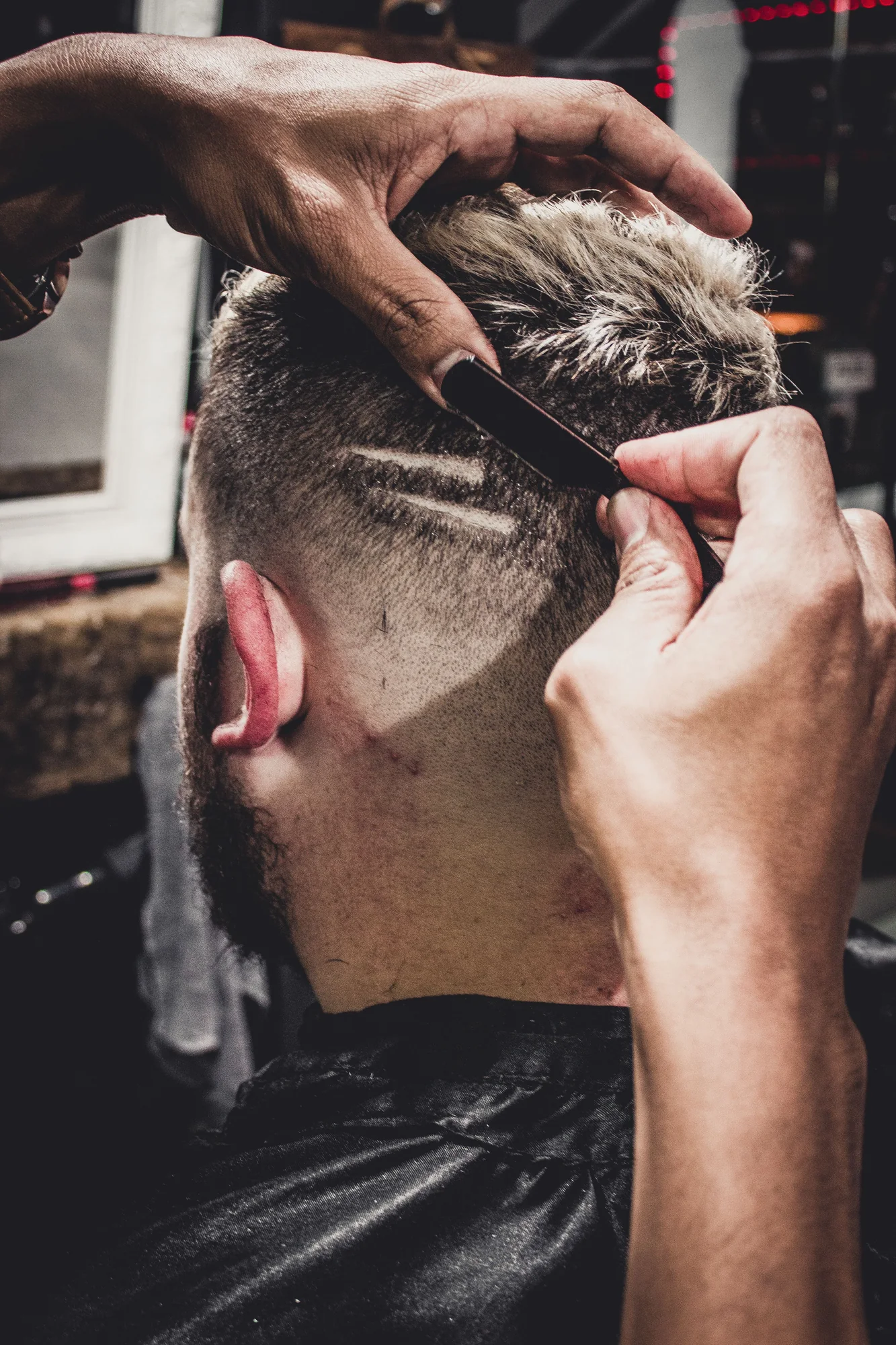
CUTSTATE BARBERS is a fictional KERSIVO demonstration shop. The board above is recreated from its existing pages, copy and imagery.
Mobile design
Designed for the Phone in Your Client’s Hand
Check your website on a real phone, from the first screen to the booking link. These three checks will help you spot problems that a desktop preview can miss.
Illustration recreating the CUTSTATE demo mobile homepage. CUTSTATE BARBERS is a fictional KERSIVO demonstration shop.
-
Read it at a glance
Open the homepage without zooming. Can you read the shop name, understand where it is and see what it offers? Check that important text remains readable as you scroll.
-
Find the next step
Find the booking link from the homepage, services and team pages. On a small screen, check the menu as well as the header, then follow the link to make sure it reaches the right place.
-
Use it without friction
Try the buttons with your thumb and check service names, prices and durations. Look for clipped text, sideways scrolling or controls that are difficult to tap.
Explore the working booking journey in the demo. Try the demo booking flow
People and photography
Show Your Shop, Your Barbers and Your Work
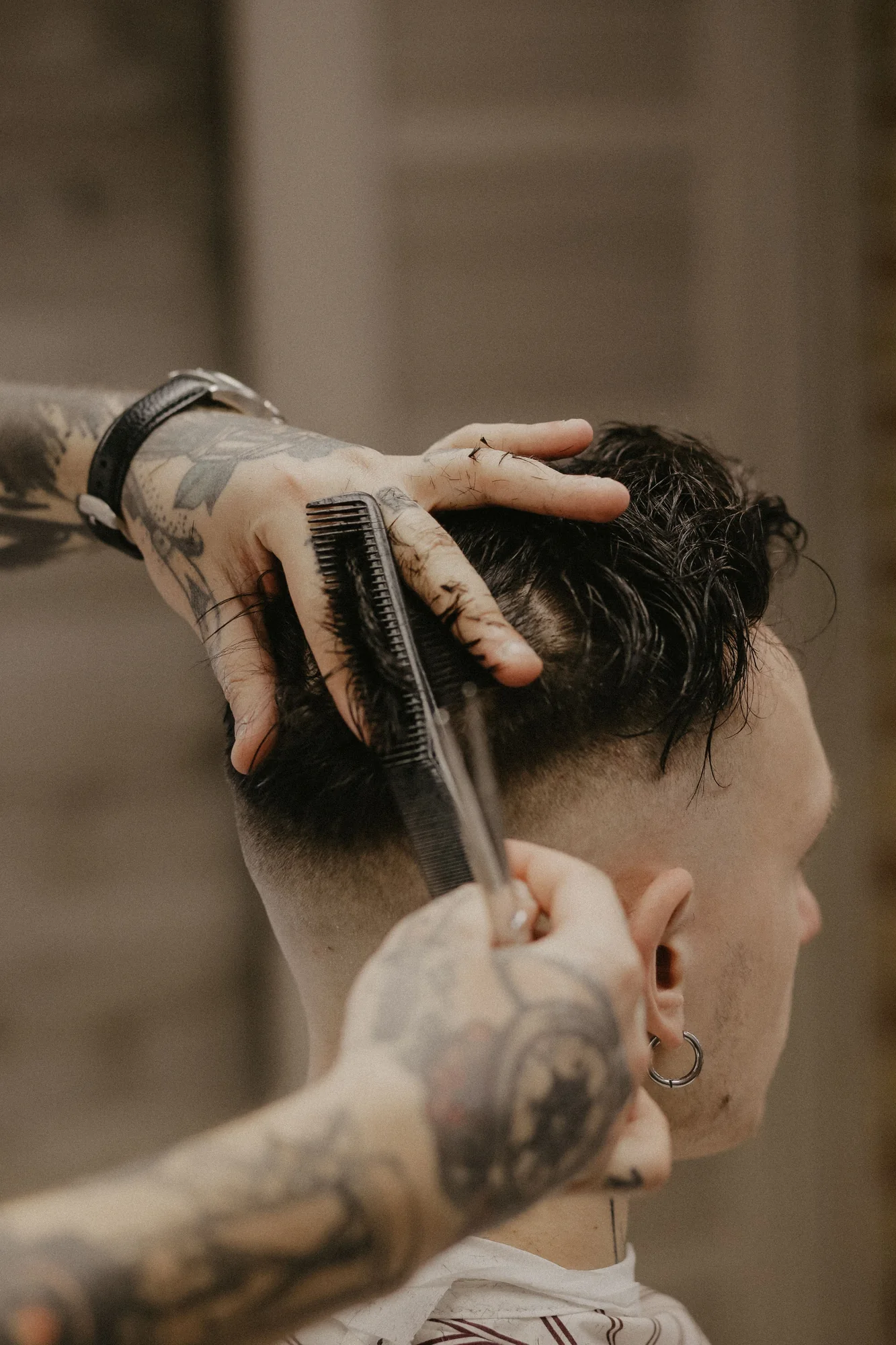
Photography should help people recognise your shop and understand what you do. Start with the space, the barbers and the cuts — then add detail shots only where they earn their place.
-
The shop
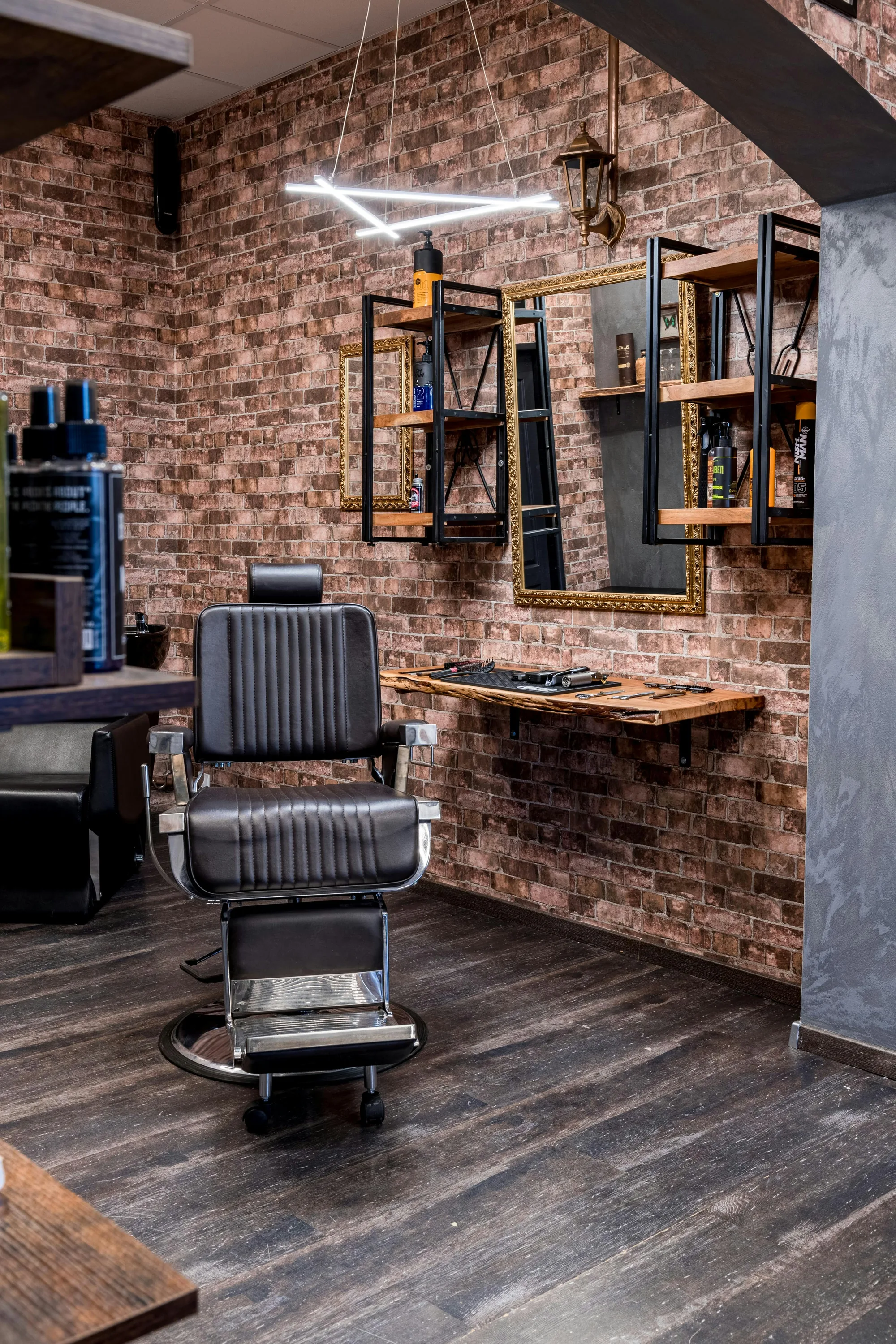
A clear photograph of the shopfront or interior helps clients recognise the business when they arrive. Shoot in good light, keep the frame level and clear away clutter that pulls attention from the space.
-
The barbers
A genuine portrait, a name and a short, honest introduction for each barber who takes appointments. Describe what they actually do, and leave out titles or awards you can’t stand behind.
-
The work
A few photographs of the cuts, fades and beard work the shop really offers. Show the detail close up and keep the light and background consistent, so the set looks like one shop’s work.
-
The details Optional
A workstation, tools or a corner of the shop can add character. Treat it as a finishing touch: it doesn’t replace the address, opening hours or booking details.
Before you send photos
- Framed so the subject is clear
- Sharp at full-screen size, not a cropped thumbnail
- Similar lighting across the set
- Photos you own or have permission to publish
- Consent from anyone recognisable in them
Choose a few clear, genuine photographs over a large gallery that doesn't represent your shop.
No professional photographs yet?
You can still prepare the website with the information you have. Within the standard setup, a neutral placeholder can be used for a missing barber portrait, and an optional gallery can be left out. Your shop’s address and contact details are still needed before launch.
From design to your website
How KERSIVO Brings Your Brand Online
Here’s what you provide, what KERSIVO prepares and what you review before launch.
-
You provide
Your shop, your details
Share your shop details, services, opening hours and branding, along with any photographs and team information you have.
-
KERSIVO prepares
We prepare your website
KERSIVO prepares your standard branded website, connects online bookings and helps with your domain setup.
-
You review
Review before launch
Check a private preview, confirm your details and test the booking journey. Your website goes live after your approval and the final technical checks.
A managed subscription, not a one-off build
Your business keeps its brand, domain and content. KERSIVO provides the software, templates, code and hosting, and keeps them running and updated while Full KERSIVO is active. Standard websites carry a subtle “Powered by KERSIVO” mark.
Questions before you start
Questions About Your Website Design
What to expect from the standard website setup, your preview and ongoing updates.
Will my website look exactly like the CUTSTATE demo?
No. CUTSTATE is a fictional example. Your website uses KERSIVO’s standard managed structure, adapted with your shop name, branding, available photographs and business details. Unlimited bespoke design and development are not included.
Can I request changes before launch?
Yes. You’ll receive a private preview to check your branding, information, photographs and booking journey. Reasonable corrections to the standard website are made before you approve launch. A full redesign, bespoke pages or new features may need a separate quote.
Can I keep my existing domain while the website is prepared?
Yes. You keep ownership of your existing domain and remain responsible for its renewal. Where technically possible, your current site can stay live while we prepare the new one. We help with DNS and SSL, then switch the domain after you approve the preview.
What can I update after my website goes live?
You can manage barbers, services, prices, working hours, your shop name, town or city, logo and retail products in the dashboard. KERSIVO provides standard support for reasonable changes to supplied website text, contact details and photographs. Bespoke pages, new features and a full redesign are outside that support and may need a separate quote.
Will my website include a gallery and a separate services page?
A gallery can be included when you have suitable photographs, but it isn’t required. Your services are presented in the booking flow, so clients can see what you offer and choose an appointment. A separate services page isn’t guaranteed as part of the standard website package.
How long will it take to get my website live?
Standard setup typically takes around 1–2 weeks after we receive all the required information. Missing details, domain access or migration work can take longer. This is an estimate, not a guaranteed launch date.
Full KERSIVO: £39/month per physical location. Standard website setup included. The first payment is taken when you subscribe, before your website goes live. CUTSTATE is a fictional demonstration shop. Subscription terms